

This article showcases our top picks for the ‘Best Monitor For Video Editing’. We reached out to industry leaders and experts who have contributed to the suggestions within this article (they have been credited for their contributions below).
We are keen to hear your feedback on all of our content and our comment section is a moderated space to express your thoughts and feelings related (or not) to this article This list is in no particular order.
LG 27UK850-W 27″ 4K UHD IPS Monitor
This product was recommended by Ezra Kewa from 4ALLTECH
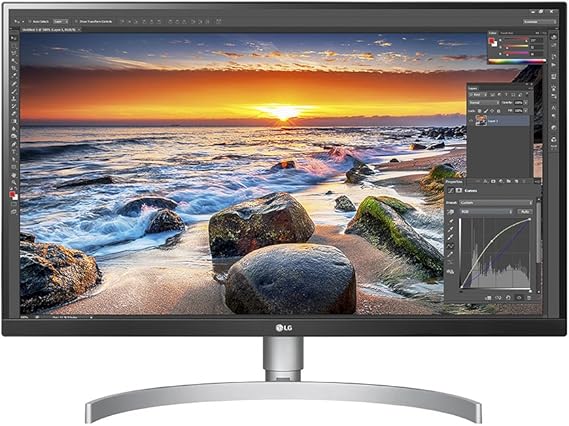
Not only suited for gaming and video-editing, LG’s 60HZ 27-inch monitor is well designed for general office work and performs well in various lighting conditions. Its viewing angles are impeccable,response times are fast and latency is low. It comes with FreeSync and was voted the best 4K monitor for 2020 by T3 Magazine.
Viewsonic Elite XG270QG
This product was recommended by Ezra Kewa from 4ALLTECH
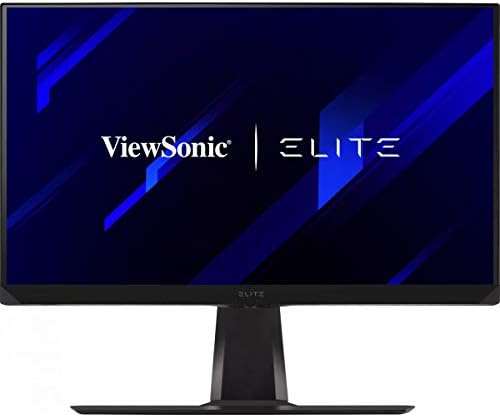
The 27-inch Elite XG270GQ is super fast going grey-to-grey in 1ms and supports variable refresh rates up to 165Hz. Its nano-particle infused IPS panel blasts brilliant colours and tops out at 1440p – the sweet spot between performance and resolution, perfect for video-editing and voted the best gaming monitor of 2020 by T3 magazine.
Dell Ultrasharp U3219Q
This product was recommended by Catriona Jasica from Top Vouchers Code
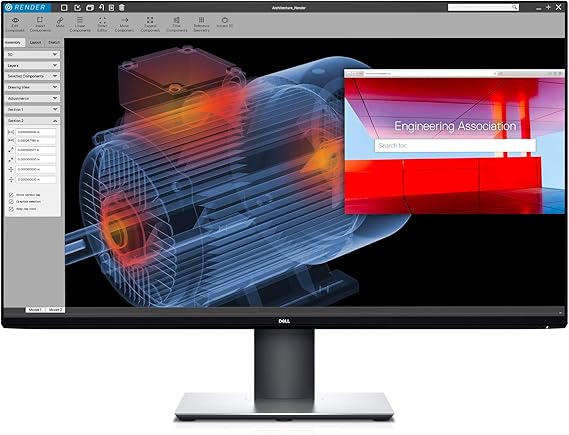
When choosing the best monitor for video editing, make sure that it offers the best picture quality. Here is our suggestion for the best quality monitor. For all the editing and creative work, the DELL Ultrasharp U3219Q is the next generation monitor. There is also an 8K version of this monitor. With its excellent color accuracy, this monitor is perfect for video editing.

