

The CAMSTRO 4K wireless outdoor solar security camera kit is a top-of-the-line option that offers advanced features and high-quality footage to keep your property safe. Let’s explore the key aspects of these cameras, including features and benefits, installation tips, and performance optimization.
Overview of the CAMSTRO 4K Wireless Solar Outdoor Security Camera
The CAMSTRO 4K wireless outdoor solar security camera kit is a state-of-the-art surveillance device that delivers Ultra HD 4K footage of the area where it is installed. It doesn’t matter whether it’s day or night; the security cameras deliver full-color night vision in stunning clarity for 24/7 protection.
They feature pan and tilt, allowing for a 360° panoramic view from any angle and preventing blind spots, and you can remotely monitor everything via the app on your smartphone, without a subscription fee. Yes free! It comes with a 64GB Micro SD card that will support up to 180 days of loop recording, and all videos can be recorded and stored securely in the Homebase, all for no monthly or annual fee. It is also expandable to a maximum of 128GB Micro SD card.
The kit comes with two cameras and one Homebase, or there is a four-camera kit. You can also add a camera later, but you can only use up to four cameras with this kit.
CAMSTRO Features
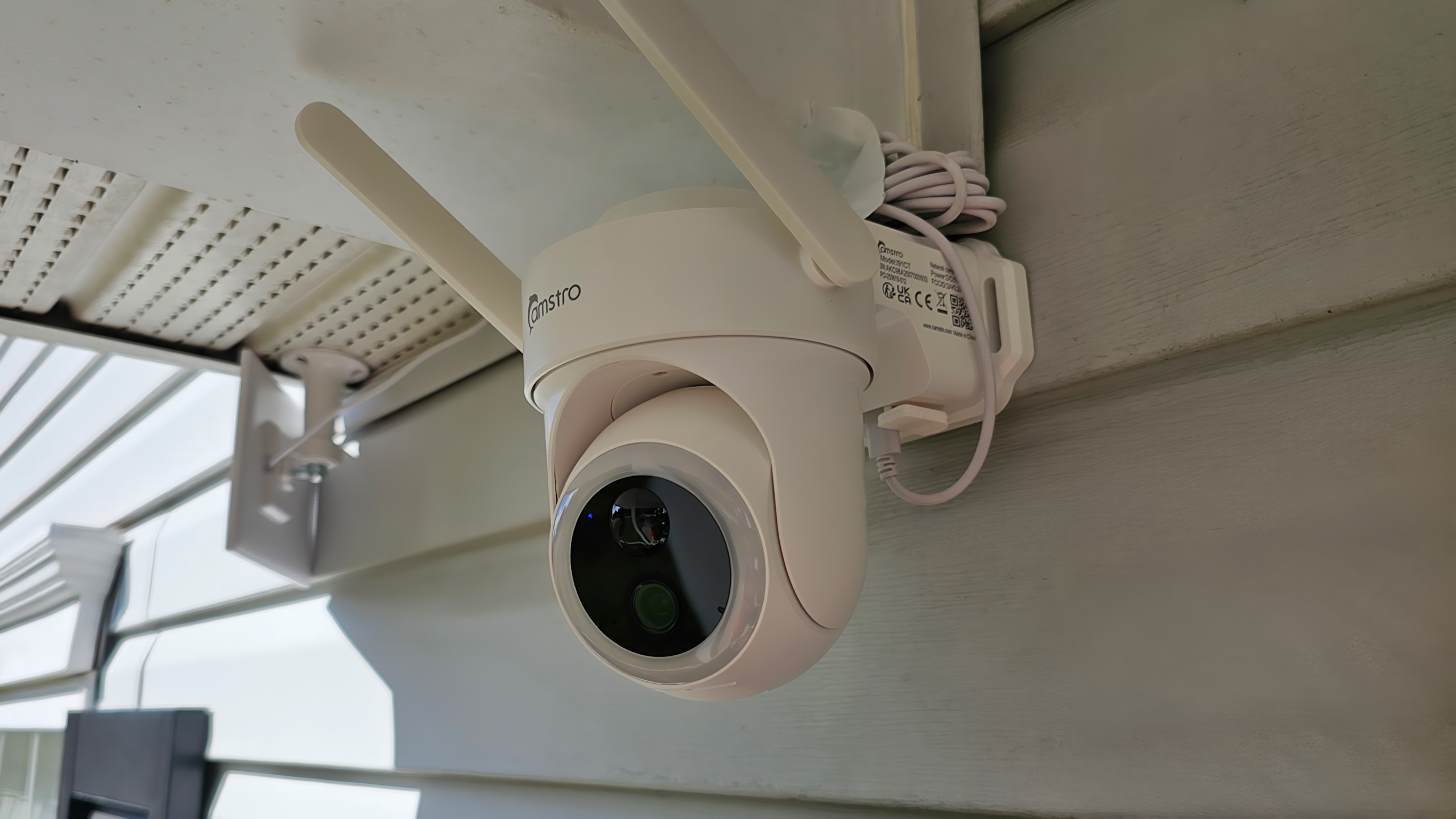
The cameras offer advanced motion tracking that locks onto moving objects and delivers a continuous, complete flow and record. They deliver up to a 4x zoom without compromising clarity, to capture a better image when needed.
The cameras feature dual-band Wi-Fi at 2.4 GHz and 5 GHz for simple pairing and improved signal stability and performance. Encoding is H.265, also known as High Efficiency Video Coding (HEVC), which offers higher quality at smaller file sizes compared to its predecessor, H.264.
Best of all, they are solar-powered. Simple installation and setup with no wires to run or camera outages when the power is out. Only three hours of sunlight are required.
Don’t worry about the outdoor elements; these cameras have an IP66 rating and will withstand rain, wind, and even snow for dependable security year-round. But note that 66 means the cameras are highly water-resistant but not submersible.
Additionally, the cameras come with built-in microphones and speakers, allowing you to communicate with visitors or potential intruders in real time when you are away.
Setup and Installation
Simply install the Koocam app at the Apple Store or Google Play. You will have to create an account using your location, email address, and a password. Once created, verify your account via email, and then you can begin the setup process.
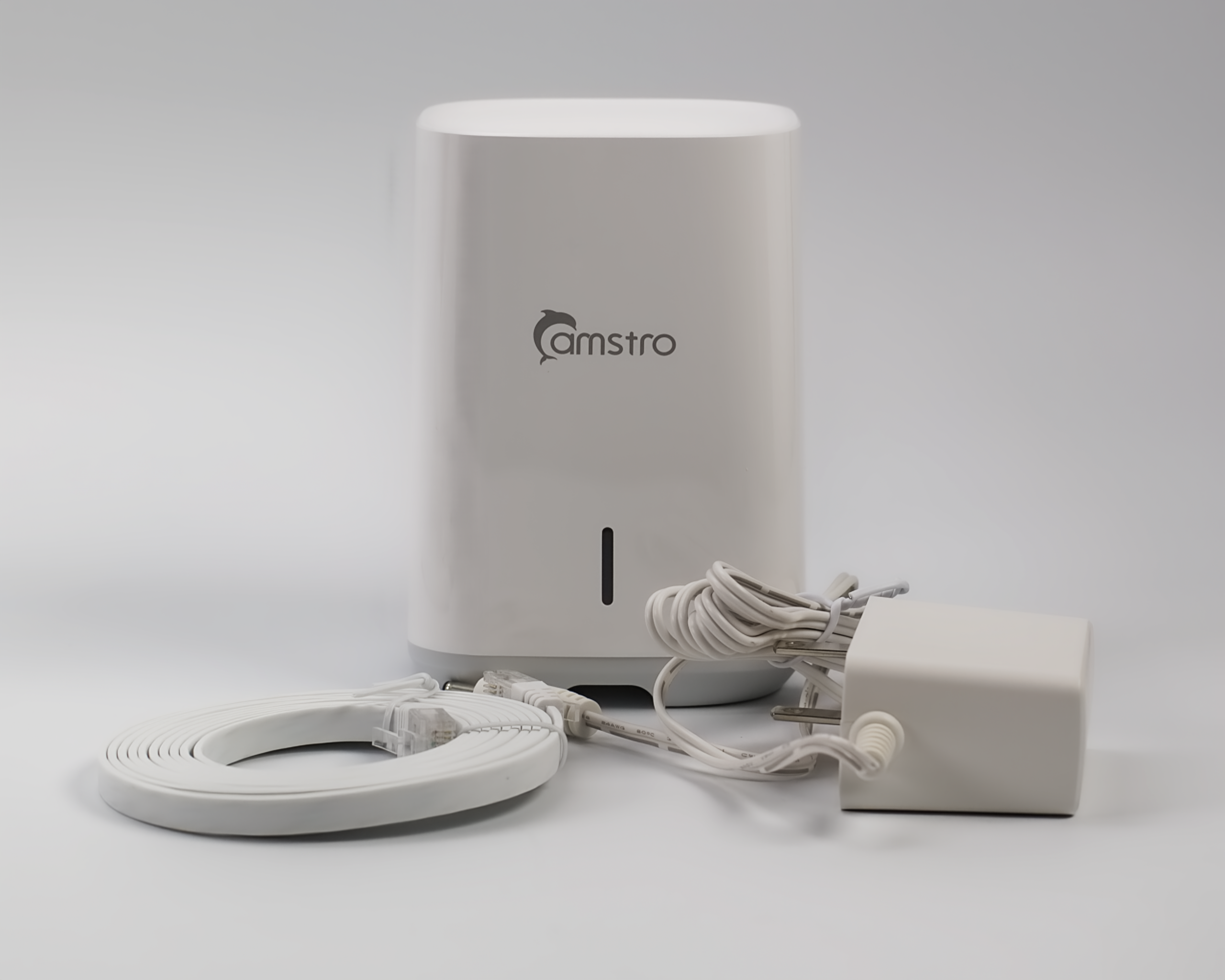
Plug the Homebase into a power outlet and position it close to your router. Then connect the Homebase to your router, and open the Koocam app. The light on the Homebase will turn from Red to Blue once it’s connected to your router. You will have to sync the Homebase in the app by pressing the sync button on the back of the Homebase for 3 to 5 seconds, next to the Ethernet port.
Once synced, you will have to scan the QR code at the bottom of the Homebase in the app. Once done, tap to add the Homebase, then press the power button under the rubber piece on the round lens for approximately three seconds to add the cameras. Once the cameras are found, you can perform the camera calibration, and then you are all set.
The cameras and the solar panels are both attached using three screws each. The solar panel could be light enough to install with good two-face tape if needed, but I don’t think (we didn’t try) the average tape would be strong enough to hold the cameras. You can adjust, or even remove, the solar panel’s swivel during installation if needed to make it easier to attach after the base is secured.
The Koocam app
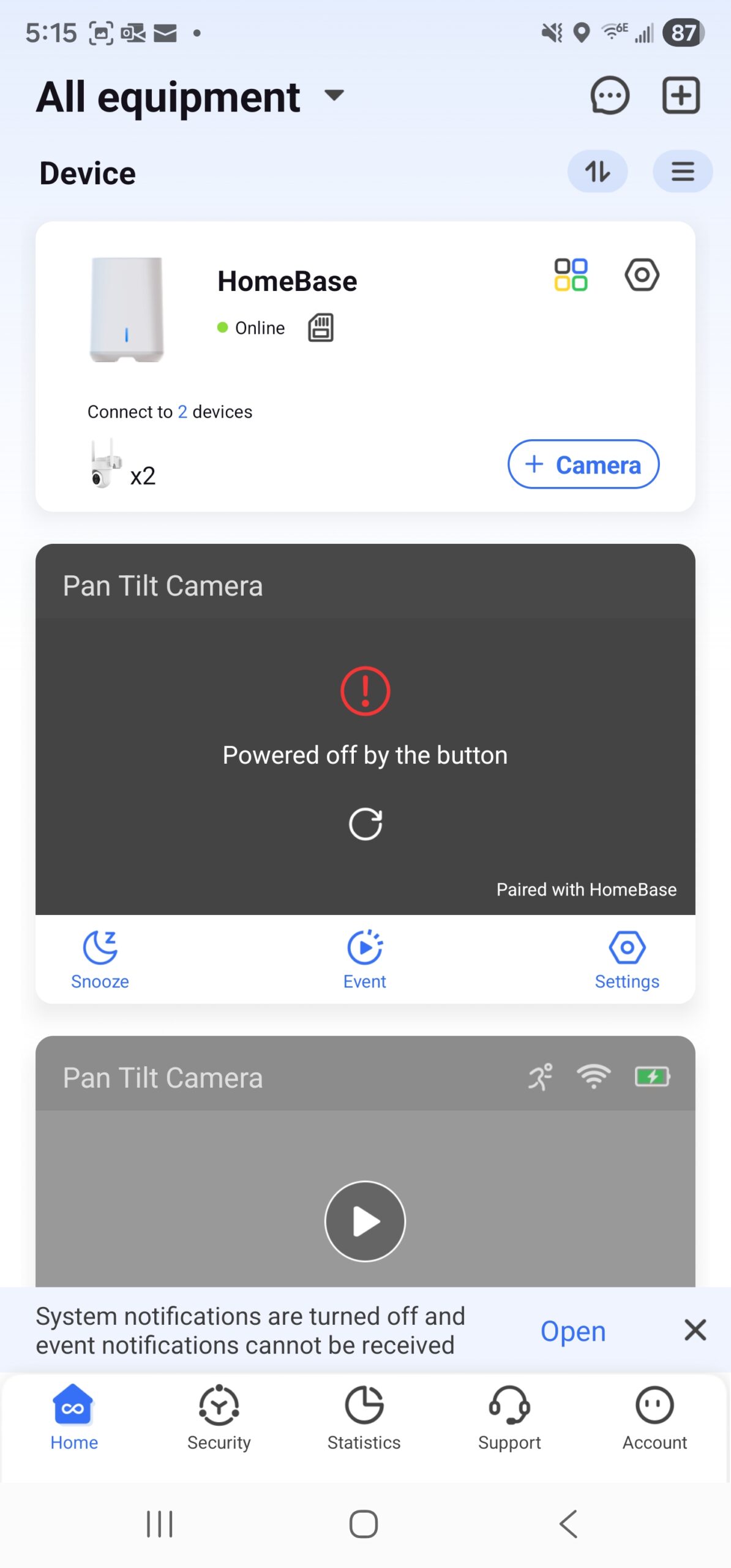
The app has Home, Security, Statistics, Support, and Account options. Home is where you can see the cameras and settings. In Security, you can set it to Home, Away, or Disarmed. It also displays all of the equipment (cameras). You can name each camera and also set each option for all cameras or for each camera individually, which is a great feature.
In Statistics, you can view the security updates and the detection activity by device (today). The support center can help you set things up or answer any questions you might have.
Finally, in Accounts, you can adjust preferences, such as Share Device, to invite members via email and set their permissions (Guest or Admin). There is also Family Management, where you can create a family name and add your members.
You can adjust your notifications on or off. Or you can set notifications for each camera, which is another great feature since you might not want notifications from every camera. In settings, you can set the screenshot reminder, mute live view, auto zoom & tracking, devices, and clear the cache. You can set up two-factor authentication, and Smart Integrations allow you to use Amazon Alexa and Google Assistant.
The Koocam app is simple to use and only adds value to this security camera kit, all without any fees. There is no software for your PC, but in Windows, you can connect your phone to your PC and use the app that way.
In conclusion, the CAMSTRO 4K wireless outdoor solar security camera kit is a reliable and high-quality option for protecting your property. With its advanced features, simple installation, free app with no monthly or annual fee, this camera kit is a great choice for anyone looking to enhance their security system.

